
How to play Midnight Lanes: controls and a useful first strategy
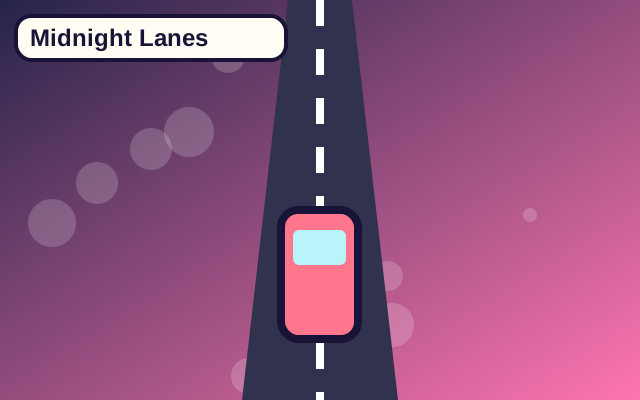
Midnight Lanes is a racing game you can play directly in the browser. A glowing three lane night drive. The play area is interactive, and you can use a keyboard or the visible on-screen buttons. This guide describes one real mechanic in this version of the game, so you can learn through a short round instead of guessing what each button does.
What happens in a round?
Switch between three lanes to avoid traffic. Pass twenty-five cars without using all three lives. The action runs in a single scene. A score near the game shows your progress, and the Restart button returns the game to its initial state. Pause freezes the current action when you need a break. The game does not require a login.
Read the road ahead
The car stays on one of three lanes. Every avoided vehicle adds to your score once it passes the player. Look up the road and make one lane change at a time: a free lane now can contain the next vehicle a moment later. This approach is specific to the controls and goal shown on the game page. It is worth playing slowly once so you can see how the character or objects move before trying to improve your score.
A common mistake
When traffic is close, panicking with several rapid changes can put you back into danger. If this happens, use the feedback on screen to decide what to change. You do not need to memorize a long list of instructions: focus on one change at a time and check the result on your next attempt.
A short exercise
Open Midnight Lanes and try a short practice round. Stay calm when traffic speeds up. After the round, use Restart to compare a different opening. Note when you lost time or a life and which control would have helped. A single practice run usually makes the next attempt feel much clearer.
Playing on a phone
The on-screen controls are designed for touch. Hold a movement button to keep moving and lift your finger to stop. If the screen feels crowded, rotate your phone to landscape mode. Because this is a browser game, device performance can vary; pause if you need to read the instructions at your own pace.
Find another game
When you want a different rhythm, use the game library to try another style or browse the guides. Games are intended for entertainment, and a score does not measure personal ability.